
Name-Based Case Searches
For a name-based Nicollet County docket search, the official tool is MCRO Case Search. Pick the right name type first, whether person or business. Then enter the last name, first name, and middle name if you have it. Matching is exact by default. Do not assume a similar name is your person. Narrow the results by date, category, and court location first.
- Choose the name search and enter the most complete known name.
- Select Nicollet County when the inquiry concerns a local case; do not assume the statewide default is county-only.
- Add a filing-date range, date of birth, or case category when supported by the available information.
- Open Case Details for a likely match and compare the case number, venue, category, events, and status.
- Record the search date and case number before refining or repeating the query.
| Field | Type | Required | Use in a Nicollet search |
|---|---|---|---|
| Name | Person or business | Yes for this route | Use the proper name type and the most complete spelling. |
| County | Location filter | No | Select Nicollet County to narrow a statewide query. |
| Filing date | Exact date or range | No | Reduces a broad result list. |
| Case category | Category selector | No | Separates civil, criminal, family, probate, and mental-health results. |
Check four things against the record: the Nicollet County name field, the location filter, the case number, and the case details page. Each one confirms you have the right court docket entry.
Nicollet County Docket Search Tabs
MCRO splits its public tools into separate tabs for cases, documents, hearings, and money judgments. Use case search when you have a name or a court-file number. Hearing Search finds scheduled events. Document Search pulls eligible public images once you supply the complete number. Judgment Search tracks money judgments and satisfactions by debtor and docketed date.
Picking the wrong tab breeds confusion. A hearing entry shows a scheduled event, not proof it happened. A judgment search is not a certified judgment request. One case can span several tools, so a single result rarely holds every document. Nicollet County's data-practices policy page explains how the county handles requests for county-held records.
County data-practices materials can answer for county-held information. A district-court docket belongs elsewhere, though. Route those questions to Court Administration and the Judicial Branch system first.
Note: Each MCRO tab serves a distinct purpose. Do not treat a case result as a document or judgment result. Cases, documents, hearings, and judgments each take their own Nicollet County search route.
Case Number Searches
Nothing beats a complete court-file number for a Nicollet County docket search. Minnesota numbers usually combine a county code, a case-type code, the filing year, and a sequence. A criminal format example is 52-CR-26-###. A payable traffic case looks like 52-VB-26-###, and a civil case like 52-CV-26-###.
The letters hint at a category, nothing more. CR does not prove a conviction. VB does not prove a citation was paid, and CV does not prove liability. Open the Case Details record. Read the events, hearings, and disposition fields before drawing any conclusion. Searching by a known number also keeps similarly named parties from getting mixed up.
One Nicollet County court-file number ties together the case. It links the event history, the hearing schedule, and any document request.
Nicollet County Docket Search Recovery
A name search that returns nothing does not mean no case exists. Retry with an omitted middle name or initial. Try a different supported spelling, or a wildcard after at least two characters. MCRO's Sounds Like option catches similar spellings. The system warns against pairing it with a wildcard. When you have a case or citation number, that route works better than guessing at names.
Some matters carry name-search limits, including pending criminal, traffic, and petty-misdemeanor cases without a conviction. A broad query can also return up to 200 results. Cut that list down with a Nicollet County filter, a filing date, a case category, or the number itself. Do not just trust the first row. Nicollet County Sheriff's records page covers law-enforcement records kept separately from the court file.
Sheriff records sit apart from a district-court case file. A court docket search should not turn into a law-enforcement records request.
Note: Treat a no-name result as a prompt for careful search recovery. It is not proof that no court case exists. Spelling checks, date filters, category filters, and case numbers are the tools that recover a stalled Nicollet County search.
Nicollet County Docket Search Timing
MCRO sessions can expire after 30 minutes. Save the Nicollet County court-file number, the search date, and any useful filter before stepping away. With a number in hand, you can jump back into Case Details, Hearing Search, or Document Search. You avoid rebuilding a name query from memory.
Timing matters in other ways. A hearing may be newly scheduled, or a document may still be indexing. Go back to the official result instead of trusting a copied description. For a public hearing, compare the current daily calendar with Hearing Search. For a document, double-check that the complete case number was entered correctly.
Repeat a Nicollet County docket search with the same county filter and a defined date range. That habit makes any changed result easy to explain. A new event, hearing, document image, or restriction can shift what appears. Even so, the underlying court-file number stays the same.
Keep the identifier. A complete Nicollet County court-file number is the most dependable connection between a public result, its hearing information, and an eligible document search.
Sessions, search dates, court-file numbers, and filters all support a repeat check. Together they let you confirm what a Nicollet County docket search returned the first time.
Case Search Results Explained
Open the result before you trust it. Every MCRO Case Details page is a chronological register of actions. It is not necessarily the complete court file. The tabs organize the material into Overview and Case Information, covering status, venue, judicial officer, parties and attorneys. Case Events, Hearings, Dispositions, and financial data follow. Charges, warrants, or bond activity appear where available.
| Overview | Identifies the case and its court-file number. |
|---|---|
| Case Information | Shows category, type, venue, and current status fields. |
| Case Events | Lists procedural activity in chronological form. |
| Hearings | Lists scheduled court events, not proof of their outcome. |
| Dispositions | Shows an outcome field that should be read with final orders or events. |
| Financial information | Displays case financial entries where the public record makes them available. |
Not every docket entry has a scan attached. Some events appear on the list with no image at all. Even a document that shows up can be partly blocked from view. Want the whole file or a real copy? The routes described in Nicollet County Court Case Records cover that.
A Nicollet County search results page answers several questions at once. The overview fields describe the case itself. The events list each filing and action. Hearings show court dates, and dispositions tell you how matters concluded. Each part serves its own purpose when you read the docket.
Nicollet County Document Number Rule
MCRO Document Search works only with a full case number. You cannot type spaces. Dashes and leading zeros are optional, though, so the number can be entered in a few different forms. Results come back newest first. Any eligible public image can be opened or downloaded through View Document. There is no name option here. That limit is deliberate. It keeps a broad name query from turning into a document hunt.
Coverage has boundaries. Remote access is strongest for eligible public documents filed after July 1, 2015 in public criminal, civil, and certain probate-related case types. Family case access is narrower. Some public content can be viewed only at a court terminal. And a download from home is never a certified copy.
Note: A complete court-file number keeps a document search from pulling up an unrelated public record.
In short, Nicollet County Document Search, Nicollet County case numbers, Nicollet County public images, and Nicollet County copy requests each do a different job. Each tool fits its own task.
Two Ways to Search: County and State
Nicollet County District Court is the local trial court. It handles the cases on this docket. The state runs a separate layer called MCRO, which opens court records from all of Minnesota. Filtering by county pulls a Nicollet case out of the statewide pile. When you do not know where a case was filed, or a party has matters in several counties, the statewide search earns its keep.
| Route | Best use | Important limit |
|---|---|---|
| Nicollet County filter in MCRO | Known local case or hearing | Only finds results within the selected county. |
| Statewide MCRO search | Unknown Minnesota venue or broader case history | May return many similarly named results. |
| Nicollet daily calendar | Public scheduled hearing check | It is not a complete docket and omits restricted matters. |
The Judicial Branch's Nicollet courthouse history is the source represented in this image.
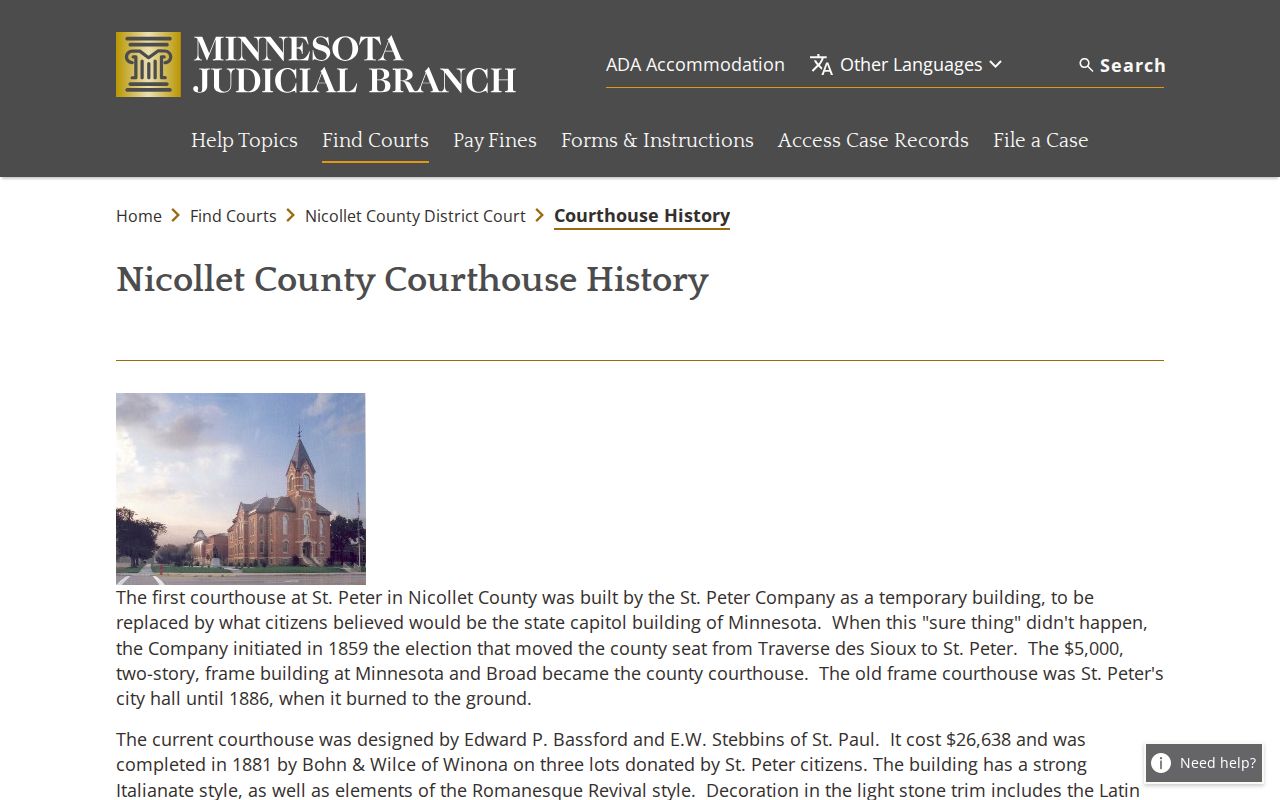
Old courthouse history does not change today's rule. To search a Nicollet court case, use MCRO or ask Court Administration about an access route.
The Nicollet County filter, the daily calendar, the District Court itself, and a case number are what pin down a local result. Each one narrows the docket search to Nicollet County.
Nicollet County Court Terminal Access
Courthouse terminals have a wider reach than MCRO. At Minnesota courthouses and the State Law Library, a public-access screen can display case details that remote users never see. The gap comes from the court's rules on remote access, nothing more. It cannot unlock a sealed file, a statutory restriction, or a confidential record. Ask Court Administration where a given Nicollet County record can be inspected. Keep a search log when the docket work matters. Record the source URL, the access date, the court-file number, case type, and the document or event name. Note which fact each entry verifies. That habit ties any later review back to the official court docket. It also keeps you from copying sensitive details out of a live case file. For bulk questions, the Minnesota Judicial Branch data-request page explains how court data requests work.
Bulk data requests and a case lookup serve different purposes. When you need one public record, keep the case number close at hand. It is the fastest route into the right Nicollet County court docket.
A reminder on terminal access: a courthouse screen may show public information. MCRO users cannot always pull it up remotely.
For access checks, the pieces that matter are a Nicollet County terminal and the Nicollet County record itself. You will also want the Nicollet County court-file number. Help from Nicollet County court administration rounds out the list.
Which Cases Stay Restricted
Access rules decide who sees what. Minnesota's Public Access Rules govern every court record in the state. Remote MCRO access can be narrower than what a public terminal shows. Some categories stay nonpublic everywhere. Juvenile and child-protection records fall in that group. So do certain domestic-abuse and harassment information, medical records, court-services data, judicial work product, and expungement responses. Those limits apply in Nicollet County the same as anywhere else in Minnesota.
Access limit: An absent result is not a legal conclusion about a case. It may reflect a sealed or restricted record, a remote-access rule, an expungement order, or a retention issue.
Ask Nicollet Court Administration about the correct access route and legal basis for a restriction; staff cannot promise that a public request will open a sealed file.
Read a case category carefully. A search result is record information, not a conclusion about anyone's conduct or legal status.
Access in Nicollet County depends on several moving parts: the applicable access rule, the restricted status of a record, the terminal you use, and what the county administrator permits.